Jamf is a comprehensive device management solution designed specifically for Apple products, including macOS, iOS, iPadOS, and tvOS devices. It provides organizations with the tools to deploy, configure, secure, and manage Apple hardware at scale. By centralizing administrative tasks, Jamf enables IT teams to automate device provisioning, enforce security policies, distribute applications, and monitor compliance with minimal manual intervention.
Organizations from various sectors (education, healthcare, enterprise, and government) leverage Jamf to simplify Apple device management. The platform is cloud-based, which simplifies deployment and reduces the need for on-premises infrastructure. With its focus on Apple ecosystems, Jamf offers deep integration and support for Apple’s management frameworks, ensuring compatibility with new operating system releases and features as soon as they are available.
Jamf simplifies device enrollment by supporting several Apple enrollment programs, including Apple Business Manager and Apple School Manager. Devices can be automatically enrolled during initial setup, eliminating the need for manual IT intervention. This automated process ensures that every device is configured with the correct settings and policies from the moment it is unboxed, reducing setup time and user error.
For organizations managing existing Apple devices, Jamf also supports manual enrollment methods. IT administrators can send enrollment invitations or use QR codes to guide users through the process. Regardless of the method, Jamf ensures that all enrolled devices are immediately brought under management, allowing administrators to enforce security policies and push configurations remotely.
Jamf enables IT administrators to create and deploy configuration profiles that define device settings, restrictions, and preferences. These profiles can specify Wi-Fi credentials, VPN configurations, email settings, and security restrictions, ensuring devices are compliant with organizational standards. Policies can be targeted to specific users, groups, or device types, allowing for granular control over the device fleet.
Policies in Jamf are used to automate routine management tasks. This includes enforcing password requirements, enabling encryption, restricting access to certain features, and scheduling maintenance scripts. By automating these processes, Jamf reduces administrative overhead and ensures consistent device behavior across the organization.
Related content: Read our guide on how application allowlisting (whitelisting) works and why you need it
Jamf simplifies application deployment by integrating with Apple’s Volume Purchase Program (VPP) and the App Store. Administrators can distribute both App Store and custom in-house applications to managed devices without requiring user intervention. Apps can be pre-installed during device setup or pushed on-demand to users as needed, simplifying the onboarding process and ensuring employees have the tools required for their roles.
In addition to deployment, Jamf provides tools for managing app updates and configurations. IT teams can enforce app versions, revoke licenses, and remove apps from devices remotely. This centralized control helps organizations maintain software compliance and minimize security risks related to outdated or unauthorized applications.
Jamf supports security features to protect sensitive data and ensure compliance with regulatory requirements. Administrators can enforce device encryption, set password policies, and enable features like remote lock or wipe in case of loss or theft. Jamf’s integration with Apple security frameworks ensures that organizations can leverage the latest security enhancements as soon as they are released.
Compliance monitoring is built into the platform, allowing IT teams to track device status, identify non-compliant devices, and generate detailed reports for audits. Automated alerts notify administrators of potential security issues, enabling rapid response and remediation. These capabilities are essential for organizations operating in regulated industries or managing large fleets of devices.
Keeping devices updated is critical for security and functionality. Jamf automates the distribution of operating system updates and application patches across all managed devices. Administrators can schedule updates, defer installations, or force critical patches to ensure devices are always running the latest, most secure software versions.
Patch management extends beyond the operating system to include third-party applications. Jamf provides visibility into software inventory and version compliance, allowing IT teams to identify and remediate vulnerable apps. This proactive approach reduces the risk of security breaches caused by outdated or unpatched software.
Jamf enables comprehensive remote management capabilities, allowing IT teams to support users and troubleshoot devices without physical access. Administrators can push new configurations, deploy applications, and execute scripts remotely. This is particularly valuable for organizations with distributed workforces or remote learning environments.
Remote management features also include real-time device monitoring, remote lock, and remote wipe. If a device is lost or compromised, IT can take immediate action to protect organizational data. These capabilities help maintain security and productivity while minimizing downtime and support costs.
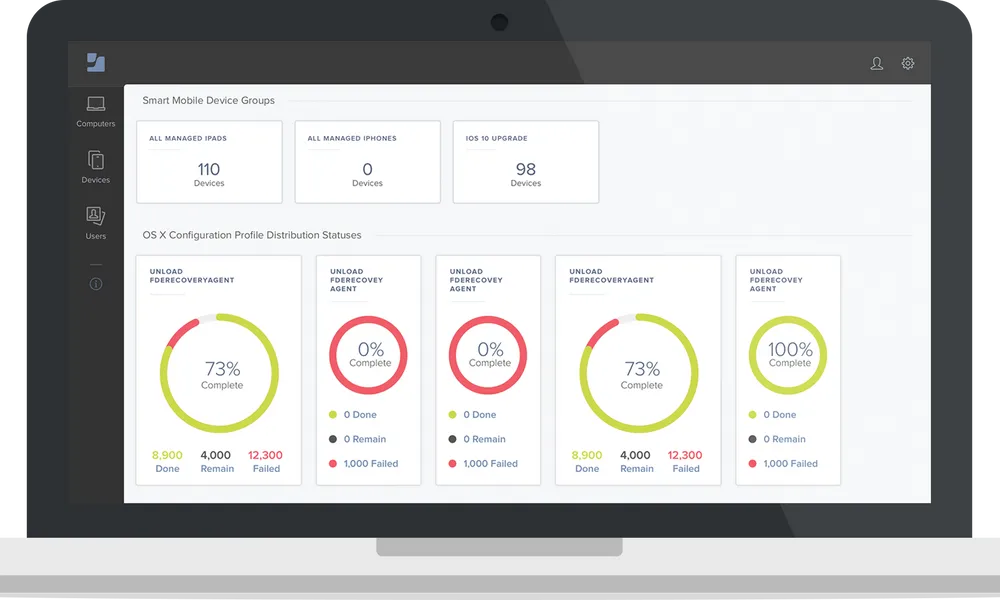
Jamf Pro is Jamf’s enterprise-grade Apple device management platform, designed for businesses and higher education institutions that need to manage large or complex Apple environments. It supports Mac, iPhone, iPad, Apple TV, and other Apple devices, providing IT teams with centralized tools for deployment, configuration, inventory management, application distribution, and security. Jamf Pro supports zero-touch deployment, allowing organizations to provision devices automatically and deliver required settings and applications.
The platform also provides advanced management capabilities such as Smart Groups, configuration Blueprints, policies, scripts, automated inventory collection, and remote security commands. Organizations can use these features to dynamically target devices, automate administrative workflows, apply security baselines, deploy software, and maintain compliance across their Apple fleet. Jamf Pro also integrates with technologies from Microsoft, Google, Okta, and other vendors.
Source: Jamf
Jamf Now is a simplified Apple device management solution designed primarily for small and medium-sized businesses. It enables organizations without large dedicated IT teams to set up, manage, and secure workplace Apple devices through an easy-to-use interface. Administrators can enroll devices, configure organizational settings, distribute applications, enforce security requirements, and maintain an inventory of managed hardware from a centralized platform.
Jamf Now focuses on straightforward administration and uses Blueprints to apply groups of settings and applications to devices. It can also support capabilities such as application management, password-related controls, and malware prevention for managed Macs. By simplifying common mobile device management tasks, Jamf Now allows smaller organizations to establish consistent device configurations and security controls without requiring extensive Apple management expertise or additional technical training.
Source: Jamf
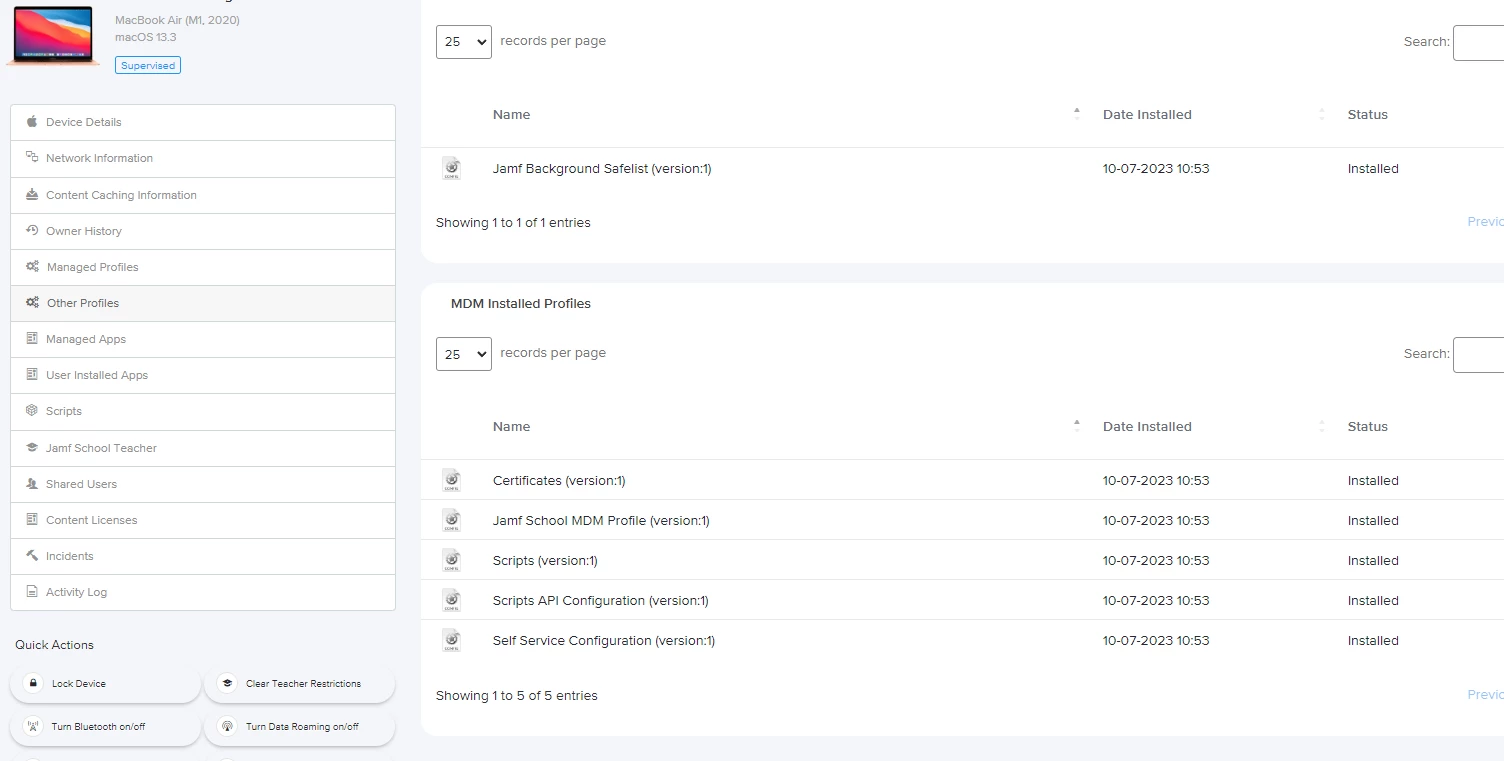
Jamf School is a purpose-built Apple mobile device management solution for K-12 education environments. It provides schools with a web-based platform for deploying, inventorying, configuring, and securing Mac, iPad, iPhone, and Apple TV devices. The platform is designed to make large-scale device administration easier for education IT teams while providing management features specifically suited to classroom and learning environments.
In addition to traditional device management functionality, Jamf School includes education-focused tools that help teachers, students, parents, and administrators interact with managed devices. Its capabilities include classroom management, device and application insights, dedicated Teacher, Parent, and Student apps, and tools for managing devices used in different learning scenarios. These features allow schools to maintain administrative control while giving educators tools to support productive and appropriate technology use in the classroom.
Source: Jamf
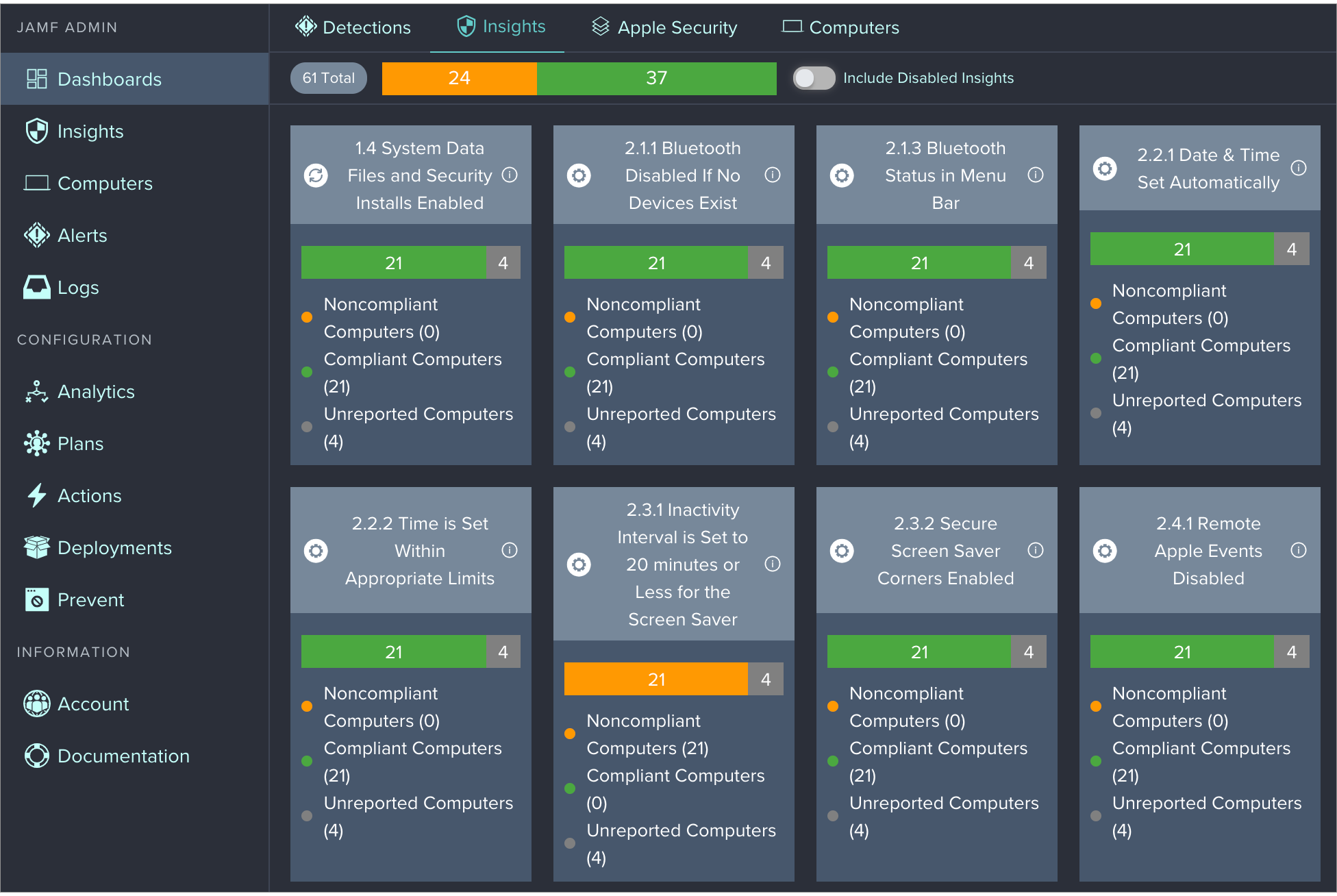
Jamf Protect is Jamf’s endpoint and network security solution, designed to help organizations protect devices and organizational data against security threats. For Mac environments, it uses Apple-native security technologies and analysis of macOS system activity to provide threat prevention, behavioral detection, security telemetry, and compliance monitoring. Administrators can create security policies and detections that identify and block suspicious or unwanted activity while maintaining visibility into endpoint security events.
Jamf Protect also extends security capabilities beyond traditional Mac endpoint protection. Its broader security services can help protect mobile devices against network-based threats and provide capabilities such as threat prevention, content filtering, security visibility, and compliance assessment. Jamf Protect can integrate with security information and event management platforms and other security tools, enabling organizations to incorporate Apple device telemetry and alerts into their wider security operations.
Source: Jamf
Related content: Read our article about application control software
Jamf is designed specifically for the Apple ecosystem and supports management across a broad range of Apple devices. With Jamf Pro, organizations can enroll and manage Mac computers, iPhones, iPads, Apple TV devices, Apple Vision Pro, and Apple Watch devices. Jamf also supports personally owned iPhones, iPads, and certain Apple Vision Pro enrollment scenarios, allowing organizations to apply appropriate management controls while accommodating bring-your-own-device (BYOD) programs.
The management capabilities available depend on factors such as the device type, ownership model, operating system version, and enrollment method. For example, different configuration, security, application, and remote-management options may be available for macOS, iOS, iPadOS, tvOS, visionOS, and watchOS devices. Jamf generally maintains compatibility with the current major Apple operating system release and the three preceding major versions under its Jamf Pro support policy, although individual features can have their own minimum OS requirements.
Because Jamf focuses on Apple technologies, its management platform integrates closely with Apple services and frameworks such as Apple Business Manager and Apple School Manager. This allows organizations to automate enrollment and apply management configurations from the initial device setup, making Jamf suitable for environments ranging from individual Mac deployments to large fleets containing multiple types of Apple hardware.
Jamf offers several business pricing options based on the type of Apple devices an organization needs to manage and secure. Its main business plans include Jamf for Mac, Jamf for Mobile, and Jamf Now, with pricing structured on a per-device, per-month basis.
Jamf for Mac costs $12.50 per macOS device per month, billed annually, with a 25-device minimum. The package is designed to provide comprehensive Mac management, identity controls, security, and native AI tool governance.
Jamf for Mac supports macOS devices and is powered by Jamf Pro, Jamf Connect, and Jamf Protect. The package includes core macOS device management and workflow automation, endpoint protection, vulnerability management, content filtering, identity and access management, and Zero Trust Network Access.
Jamf for Mobile costs $5.75 per mobile device per month, billed annually, with a 25-device minimum. It provides comprehensive mobile device management and security for organizations managing a range of mobile platforms.
The package supports iOS, iPadOS, visionOS, watchOS, tvOS, and Android and is powered by Jamf Pro, Jamf Connect, and Jamf Protect. Features include complete mobile device management, mobile threat defense, and Zero Trust Network Access for mobile devices.
Jamf Now starts at $4 per device per month and is designed for organizations with fewer than 25 employees. It offers a simpler approach to Apple device management and security for smaller businesses that do not require the more extensive capabilities of Jamf’s enterprise-focused packages.
Jamf Now supports macOS, iOS, iPadOS, and tvOS. Its features include simplified management and security workflows, easy application distribution, and macOS malware protection.
Jamf provides Apple device management capabilities, but several limitations can affect cost, administration, and day-to-day operations. These limitations were reported by users on the G2 platform:
Jamf gives IT teams the deployment and configuration workflows to get software onto Mac fleets at scale, but it does not restrict what else can execute once a device is in users' hands. Airlock Digital closes that gap by enforcing a Deny by Default approach to file execution, addressing the execution and usage of non-compliant applications, scripts and extensions. Using the native Airlock Digital integration, administrators deploy trusted software through Jamf and automatically block everything else, so only explicitly approved applications and files are allowed to launch across managed endpoints.
Key capabilities of Airlock Digital + Jamf:
Learn more about the Airlock Digital and Jamf integration and see how application control works alongside your existing Jamf deployment workflows.