TL;DR: Application control platforms restrict which software can execute on endpoints and servers. Top rated solutions include Airlock Digital (best for default allowlisting at enterprise scale), ThreatLocker (fast approval workflows), Carbon Black App Control (server and fixed-function lockdown), and BeyondTrust EPM (least privilege with application control).
An application control platform is a security solution designed to manage and restrict which applications can run on an organization's endpoints and servers. It operates by enforcing policies that dictate allowed and blocked applications, often using allowlisting (AKA whitelisting), blocklisting (AKA blacklisting), or a combination of both. This approach ensures only trusted and approved software can execute, reducing the risk of unauthorized or malicious applications compromising systems.
Beyond simple allow or deny lists, modern application control platforms offer granular controls over application behavior, file types, and even script execution. They can enforce policies based on user roles, device types, or specific operational requirements. Integration with broader security ecosystems allows these platforms to adapt dynamically to changing threat landscapes and compliance mandates.
Why regulated industries need application control
In this article:
The table below summarizes the key differences between the platforms covered in this guide. We explore each of them in more detail below.
| Category | Solution | Best For | Key Strengths | User Ratings |
|---|---|---|---|---|
| Dedicated application control and allowlisting platforms | Airlock Digital | Deny by Default execution control across Windows, macOS and Linux | Granular flexibility with file, path, publisher and parent process trust rules; OTP exceptions | 8.6 out of 10 on PeerSpot (12 reviews) |
| Dedicated application control and allowlisting platforms | ThreatLocker | Deny by Default allowlisting with fast approval workflows | Pre-built application catalog and policy suggestions | 4.8 out of 5 on G2 (514 reviews) |
| Dedicated application control and allowlisting platforms | Carbon Black App Control | Locking down servers, fixed-function and EOL systems | File integrity, device, memory and registry controls | 4.6 out of 5 on G2 (45 reviews); 9.2 out of 10 on PeerSpot |
| Dedicated application control and allowlisting platforms | Windows Defender Application Control | Kernel-level code integrity enforcement built into Windows at no extra cost | Pre-execution enforcement, native OS integration, reputation-based trust via ISG | No independent commercial rating published; native OS feature, not a reviewed product |
| Dedicated application control and allowlisting platforms | DriveLock Application Control | European-hosted application, device, and encryption control under one console | Common Criteria EAL3+ certified control combined with device management and encryption | No large-scale aggregate rating on G2 or PeerSpot; individual Capterra/GetApp reviews as high as 9/10 |
| Endpoint and privilege management platforms with application control | Trellix Application and Change Control | ePO-managed allowlisting for servers and fixed devices | Execution control combined with file change control | 7.6 out of 10 on PeerSpot (listed as McAfee Application Control) |
| Endpoint and privilege management platforms with application control | Delinea Privilege Manager | Pairing endpoint privilege elevation with application control | Least-privilege elevation combined with allowlisting, sandboxing, and behavior analytics | 4.5 out of 5 on Gartner Peer Insights (76 reviews) |
Related content: Read our guide to application control software: key features and top solutions.
Application control significantly reduces the attack surface by limiting the software that can execute within an organization’s environment. By explicitly allowing only approved applications, organizations eliminate the risk posed by unknown or unauthorized programs, which are common vectors for malware and exploitation. This proactive stance makes it much harder for attackers to introduce malicious code, as even if a system is compromised, the execution of unapproved binaries or scripts is blocked at the outset.
In regulated industries, where endpoints often process sensitive data or control critical infrastructure, minimizing the attack surface is not just a best practice but a necessity. Attackers frequently target these sectors due to the high value of their assets and data. Application control adds a robust security layer, complementing traditional defenses like antivirus and firewalls. By preventing the execution of potentially harmful applications, organizations bolster their resilience against targeted attacks, zero-day threats, and advanced persistent threats (APTs).
Related content: Read our article about ransomware attack types and tell-tale signs.
Critical systems in regulated industries—such as medical devices, industrial control systems, or financial transaction platforms—are prime targets for cyberattacks due to their essential role in operations. Application control platforms are essential for safeguarding these assets by preventing the execution of unauthorized or potentially harmful software. Restricting software execution ensures that only validated, tested, and approved applications can interact with critical system components, reducing the risk of disruption or compromise.
In environments where uptime and reliability are paramount, application control also acts as a safeguard against accidental or intentional installation of untested software that could introduce vulnerabilities or destabilize operations. The ability to tightly control what runs on critical systems enables organizations to maintain operational continuity and trust in their most vital infrastructure. This is particularly important for industries where downtime or data breaches can have severe financial, legal, or safety consequences.
Regulated industries are subject to stringent compliance standards that mandate strict controls over data access, software usage, and system integrity. Application control platforms help organizations enforce these requirements by ensuring that only compliant and vetted software can run on their systems. This control is vital for passing audits and avoiding penalties associated with regulatory violations, such as those imposed by HIPAA, PCI DSS, or SOX.
Moreover, application control provides the auditable records and policy enforcement mechanisms necessary to demonstrate due diligence to regulators. Detailed logs of application activity, policy changes, and exception handling support the documentation required during compliance reviews. By automating the enforcement of software usage policies, organizations reduce the risk of human error and establish consistent, repeatable processes for maintaining regulatory alignment across complex environments.
Application control helps regulated organizations reduce risk by ensuring only approved software, scripts, and system tools can execute. This proactive approach limits malware activity, reduces compliance exposure, and strengthens protection for both modern and legacy environments.
Centralized policy management allows organizations to define, deploy, and update application control rules from a single interface across all endpoints and servers. This centralized approach streamlines administration, reduces configuration errors, and ensures consistent enforcement of security policies throughout the organization. Security teams can respond quickly to emerging threats or changing compliance requirements by modifying policies in one place and pushing updates enterprise-wide.
In regulated industries, where policy consistency and auditability are critical, centralized management provides the necessary oversight to maintain control. It also simplifies onboarding new systems and scaling the security posture as the organization grows. By centralizing policy management, organizations can better coordinate security efforts and reduce the administrative burden on IT and security staff.
A Deny by Default enforcement model blocks all applications except those explicitly permitted. This approach minimizes the risk of unknown or unauthorized software running in the environment, providing a strong security baseline. Only applications that have been vetted and approved by security or compliance teams are allowed, effectively preventing many types of cyberattacks.
For regulated industries, Deny by Default aligns with best practices for risk management and compliance. It ensures that accidental or intentional installation of risky software is automatically prevented, reducing the chance of non-compliance or security incidents. This enforcement model is fundamental for organizations where the cost of failure is high, such as healthcare, finance, or critical infrastructure sectors.
Comprehensive execution control extends beyond simple application allow or block lists. It includes the ability to manage scripts, installers, libraries, and even specific application behaviors. This granular control ensures that only the right versions and components of applications can execute, further reducing the potential for exploitation or misuse.
Such control is crucial in regulated environments, where unauthorized scripts or outdated libraries can introduce compliance gaps or vulnerabilities. Application control platforms that offer comprehensive execution management help organizations enforce precise software usage policies, maintain system integrity, and support secure development and operational practices.
While strict controls are necessary, organizations occasionally need to allow exceptions for specific business needs or operational requirements. Flexible exception management enables administrators to grant temporary or conditional access to certain applications, users, or devices without compromising overall security. This flexibility ensures that legitimate work can continue while maintaining a strong security posture.
In regulated industries, exception management must be auditable and governed by policy to avoid introducing unnecessary risk. Application control platforms should provide detailed logging, approval workflows, and expiration mechanisms for exceptions. This ensures that exceptions are managed transparently and do not become long-term vulnerabilities in the environment.
Application visibility provides insight into all software running across the organization, including version details, usage patterns, and potential risks. Intelligence features enhance this visibility by identifying anomalies, flagging outdated or vulnerable applications, and correlating activity with threat intelligence feeds. This capability enables organizations to maintain an accurate inventory and proactively address risks.
For regulated industries, visibility and intelligence are essential for both security and compliance. They help identify unauthorized software, track policy violations, and support investigations into suspicious activity. Enhanced visibility also aids in demonstrating compliance to auditors and regulators, providing the evidence needed to show that software usage is properly controlled and monitored.
Application control platforms should record application executions, policy decisions, blocked activity, administrative changes, and exceptions. Logs should include details such as timestamps, users, devices, application identities, and the policy responsible for each action. Centralized reporting makes this data easier to search, correlate, and retain for investigations and compliance reviews.
In regulated environments, detailed records help organizations demonstrate that application control policies are consistently enforced. Reports can provide evidence for audits, identify recurring policy violations, and support incident response by showing what executed before and during a security event. Role-based access and appropriate log retention also help protect audit records from unauthorized modification or deletion.
How we selected these tools: We shortlisted application control platforms based on Deny by Default enforcement, centralized policy management, script and execution control, exception handling, and the audit logging and reporting that regulated environments depend on.
Best for: Deny by Default execution control across Windows, macOS and Linux
Strengths: Granular file, path, publisher and parent process trust rules
Things to consider: Policy upkeep as application versions change
User rating: 8.6 out of 10 on PeerSpot (12 reviews)
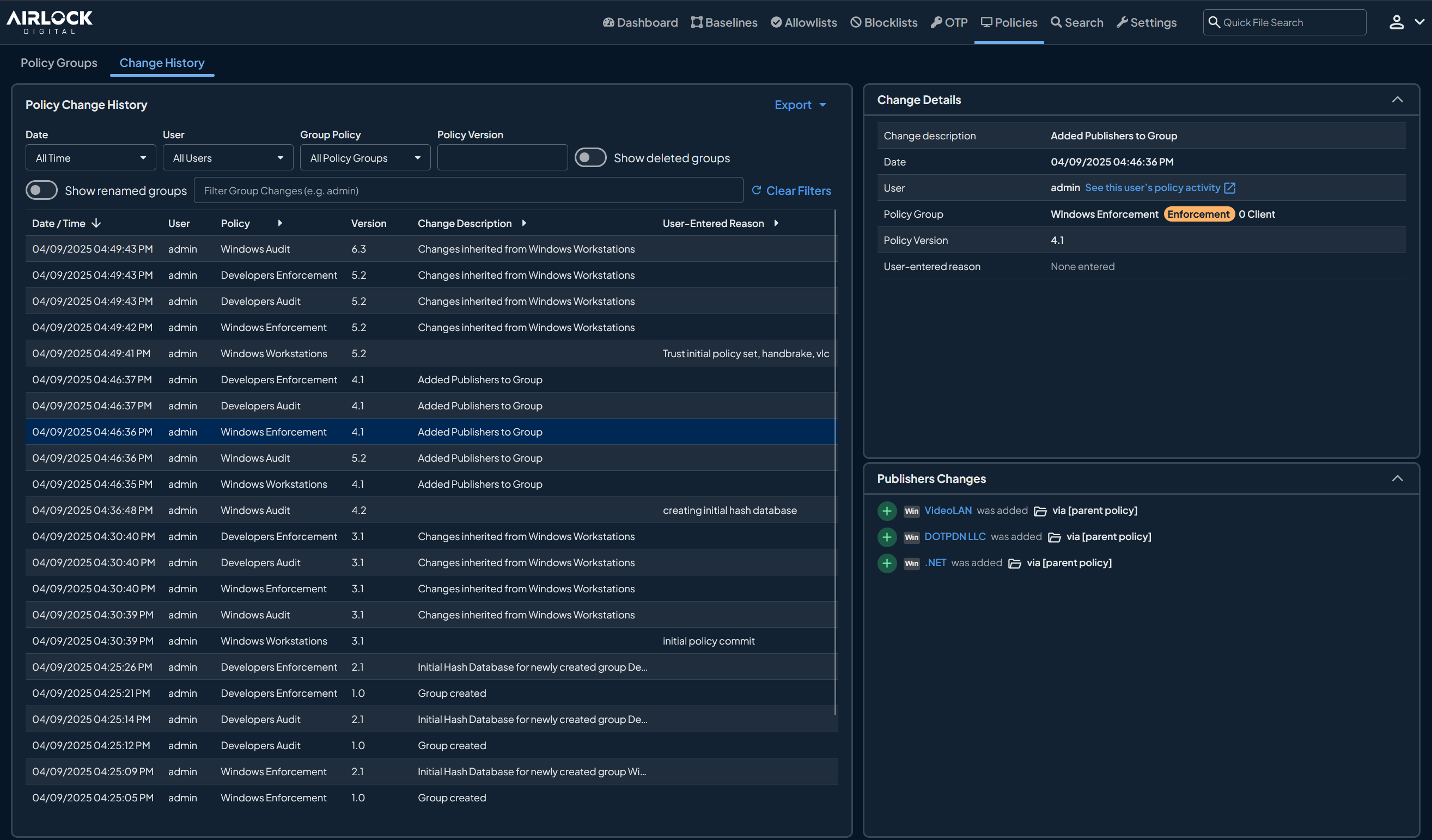
Airlock Digital enforces a Deny by Default model in which only trusted applications, scripts and processes are permitted to execute. Trust is defined at the file, path, publisher or parent process level, and policies are created and applied centrally across groups of devices rather than configured machine by machine.
The platform runs on Windows, macOS and Linux, including legacy operating systems, and supports on-premises, cloud and offline or air-gapped environments. Enforcement can be introduced gradually, moving from audit visibility toward full Deny by Default, and it connects to EDR, SIEM, identity and IT service workflows, and is used to satisfy NIST, CMMC, PCI DSS, and Essential Eight requirements.
Key features include:
Limitations (as reported by users on PeerSpot):
Source: Airlock Digital
Best for: Deny by Default allowlisting with fast approval workflows
Strengths: Pre-built application catalog and suggested policies
Things to consider: Policy tuning and approval volume need ongoing time
User rating: 4.8 out of 5 on G2 (514 reviews)
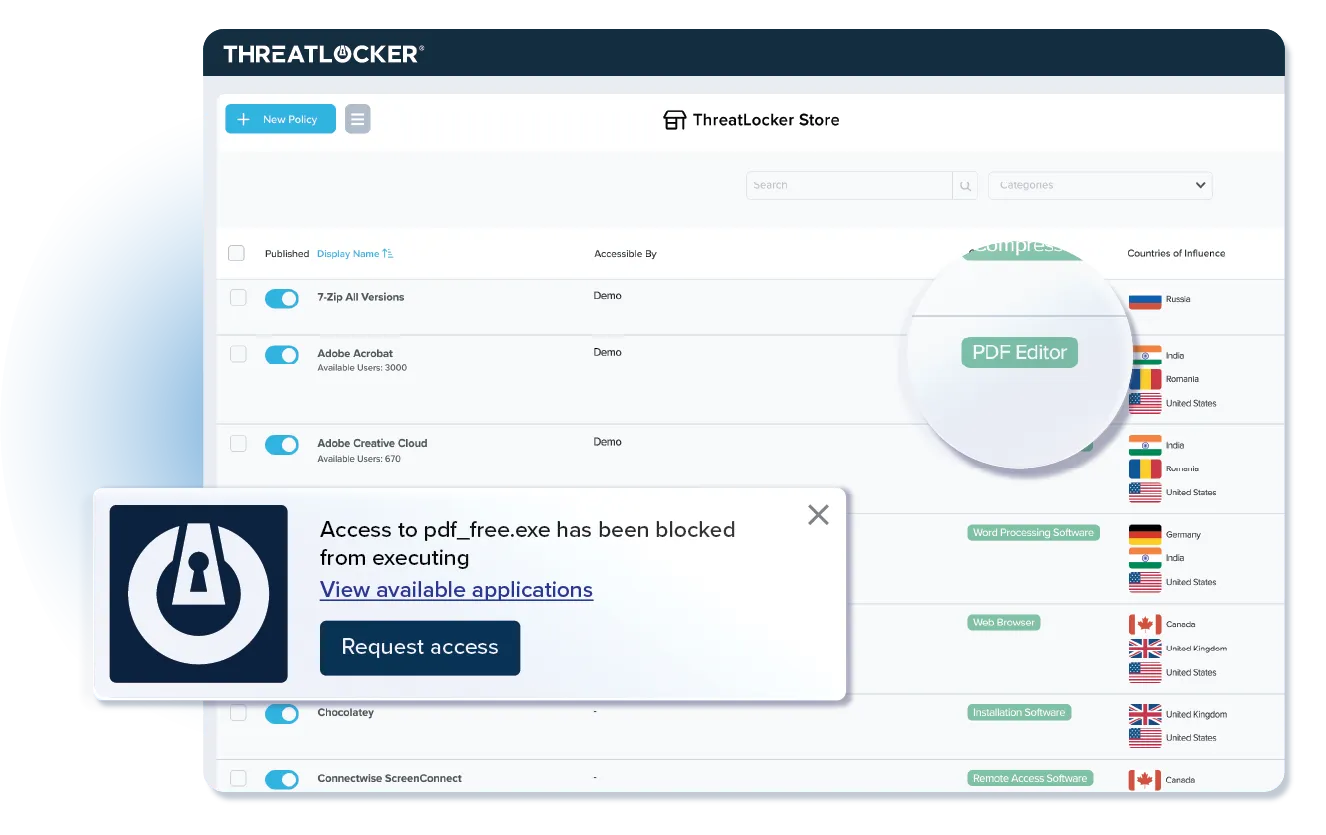
ThreatLocker allowlisting blocks any application, script or library that has not been approved. Once the agent is deployed it catalogs applications and dependencies, drawing on more than 15,000 recognized applications, and produces policy suggestions rather than requiring administrators to build lists from scratch.
Approvals are made in one click. Users request access to new applications through a popup, and requests are handled either internally or by ThreatLocker's Cyber Hero team, which responds in about 60 seconds. Deny by Default execution is used to satisfy NIST, CMMC, CIS and Essential Eight requirements.
Key features include:
Limitations (as reported by users on G2):
Source: ThreatLocker
Best for: Locking down servers, fixed-function and end-of-life systems
Strengths: File integrity, device, memory and registry controls in one agent
Things to consider: List upkeep and false positives in large estates
User rating: 4.6 out of 5 on G2 (45 reviews); 9.2 out of 10 on PeerSpot
Carbon Black App Control applies a positive security model to servers and critical systems, allowing only software with a verified level of trust to execute. Unknown software is untrusted by default and must be explicitly vetted before it can run, which prevents unauthorized changes to system configurations.
Deployment covers on-premises data centers, AWS, Microsoft Azure and hosted private clouds. It is used on air-gapped systems, fixed-function devices such as ATMs, point-of-sale terminals, kiosks and medical machinery, and end-of-life operating systems including Windows XP, Windows Server 2003 and Windows Server 2008.
Key features include:
Limitations (as reported by users on PeerSpot):
Source: Carbon Black
Best for: Kernel-level code integrity enforcement built into Windows at no extra cost
Strengths: Pre-execution enforcement, native OS integration, reputation-based trust via ISG
Things to consider: Policy authoring complexity and no dedicated vendor support channel
User rating: No independent commercial rating is published on G2 or PeerSpot; WDAC is a built-in Windows platform capability rather than a separately purchased and reviewed product.
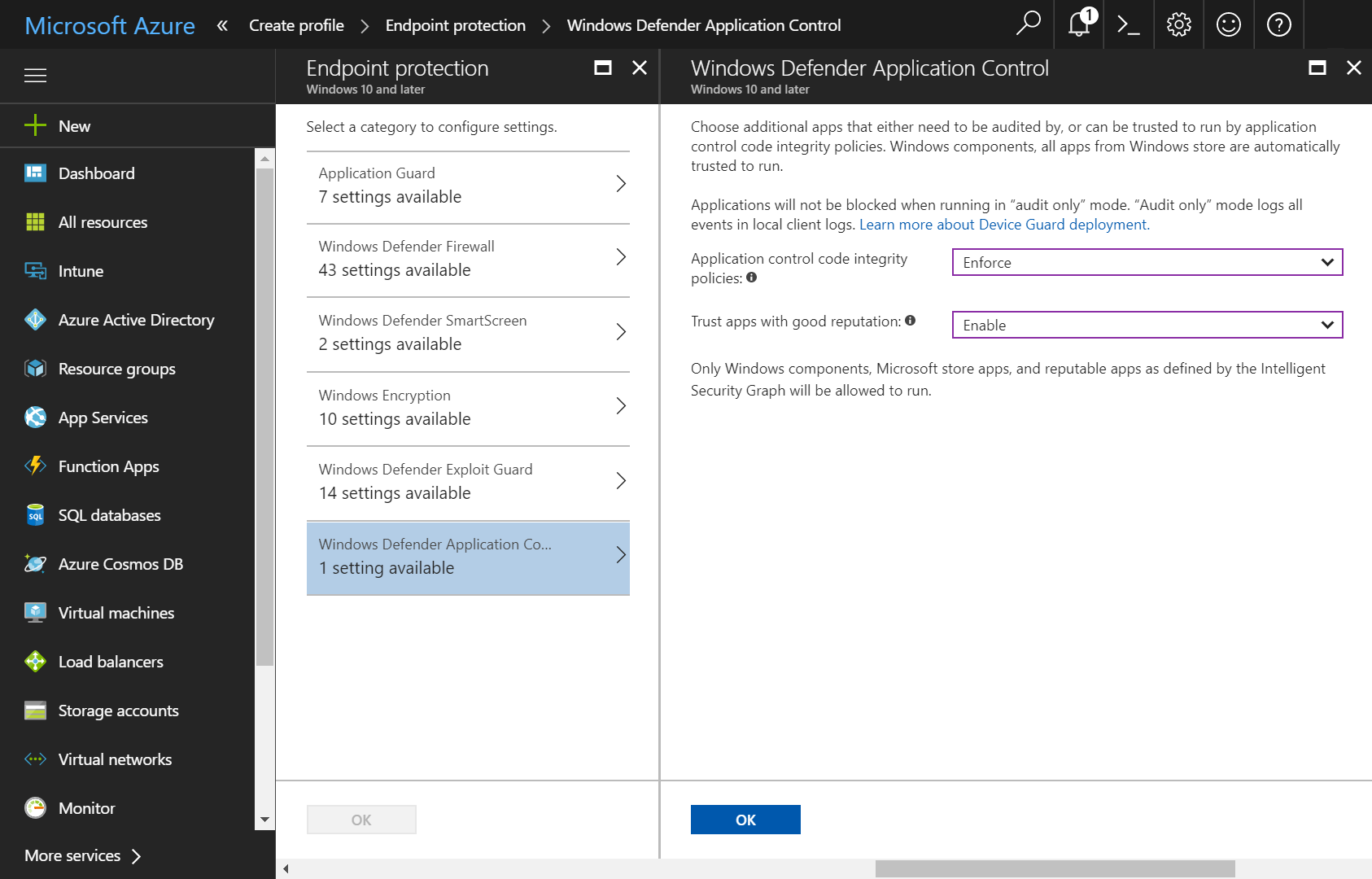
Windows Defender Application Control is a code integrity feature built into Windows 10, Windows 11, and Windows Server 2016 and later, rather than a separately licensed product. It enforces a Deny by Default model at the kernel level, evaluating every executable, script, driver, and DLL against an administrator-defined policy before it is allowed to load into memory. Because enforcement happens before code execution rather than at the process level, Microsoft and independent security researchers generally regard WDAC as harder to bypass than its predecessor, AppLocker, which it is intended to supersede in modern environments.
Policies are built and deployed through Group Policy, Microsoft Intune, or the WDAC Wizard tool, and organizations typically start in audit mode to capture a baseline of legitimate software before switching to enforcement. WDAC integrates with the broader Microsoft security stack, including Microsoft Defender for Endpoint, Credential Guard, and BitLocker, and can enforce Constrained Language Mode for PowerShell to close off common Living off the Land attack paths.
Key features include:
Limitations (based on publicly available sources):
Source: Windows
Best for: European-hosted application, device, and encryption control under one console
Strengths: Common Criteria EAL3+ certified control combined with device management and encryption
Things to consider: Workflow still split across two consoles; limited aggregate review volume
User rating: No large-scale aggregate rating is currently published on G2 or PeerSpot; individual Capterra and GetApp reviews are strongly positive, with reviewers scoring the product as high as 9 out of 10.
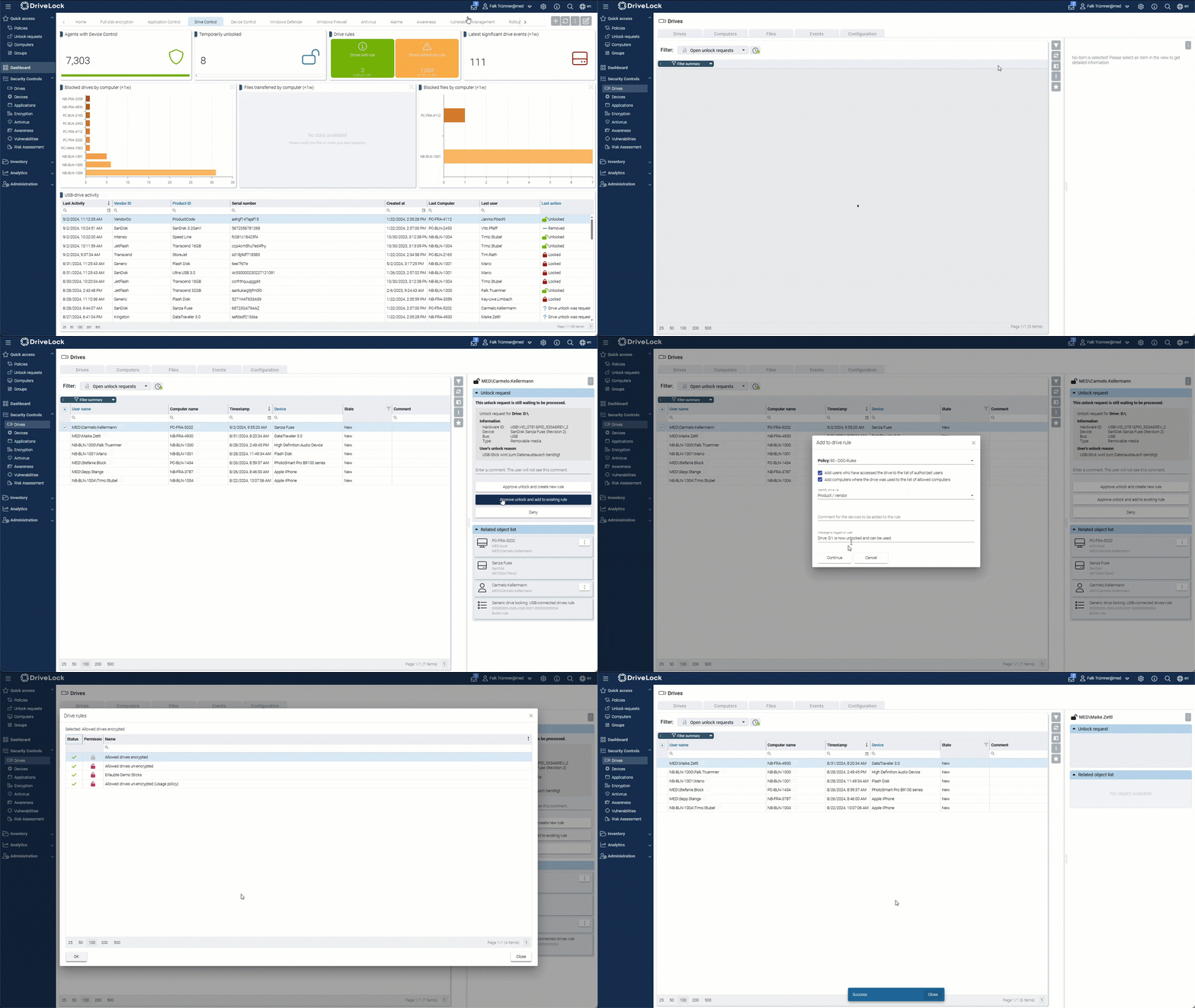
DriveLock is a German-headquartered endpoint security vendor whose HYPERSECURE platform combines application control, device control, encryption, and vulnerability management under one umbrella, positioned for regulated sectors including government, healthcare, finance, and manufacturing. Application Control blocks all applications, scripts, and DLLs that are not explicitly on an organization's allowlist, and pairs that enforcement with Application Behavior Control, which governs how already-approved applications are permitted to interact with the system once running.
The platform is offered as both a cloud-based and on-premises deployment, giving European organizations with data residency requirements a choice of hosting model. DriveLock's application and device control capabilities are certified to Common Criteria EAL3+, and the company states its broader platform is built to support compliance with standards including BSI, C5, GDPR, NIS2, TISAX, and ISO 27001.
Key features include:
Limitations (as reported by users on Capterra and GetApp):
Source: DriveLock
Best for: ePO-managed allowlisting for servers and fixed-function devices
Strengths: Execution control combined with file change control
Things to consider: Reporting and policy configuration need attention
User rating: 7.6 out of 10 on PeerSpot, listed under the product's former name, McAfee Application Control
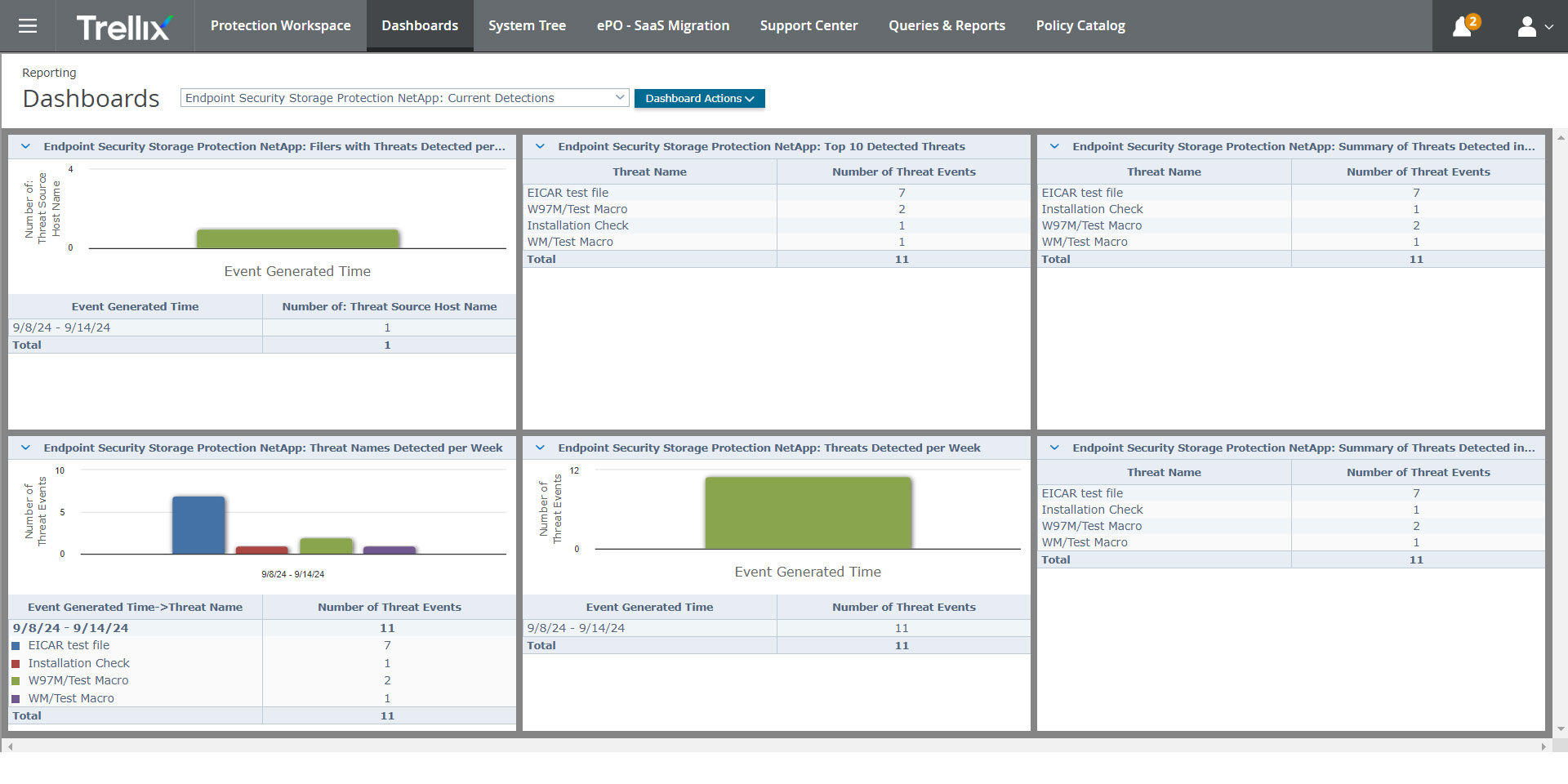
Trellix Application and Change Control restricts execution to trusted applications on desktops, servers and fixed-function devices. Application Control handles the allowlisting side, while Change Control write-protects and read-protects critical files against unauthorized tampering.
Rules can combine file name, process name, parent process name, command line parameters and username. Trellix Global Threat Intelligence supplies file, message and sender reputation data drawn from sensors worldwide, and the product is managed through Trellix ePolicy Orchestrator alongside the wider Trellix endpoint stack.
Key features include:
Limitations (as reported by users on PeerSpot):
Source: Trellix
Best for: Pairing endpoint privilege elevation with policy-based application control
Strengths: Least-privilege elevation combined with allowlisting, sandboxing, and behavior analytics
Things to consider: Setup and policy tuning take time; reporting customization has room to grow
User rating: 4.5 out of 5 on Gartner Peer Insights (76 reviews)
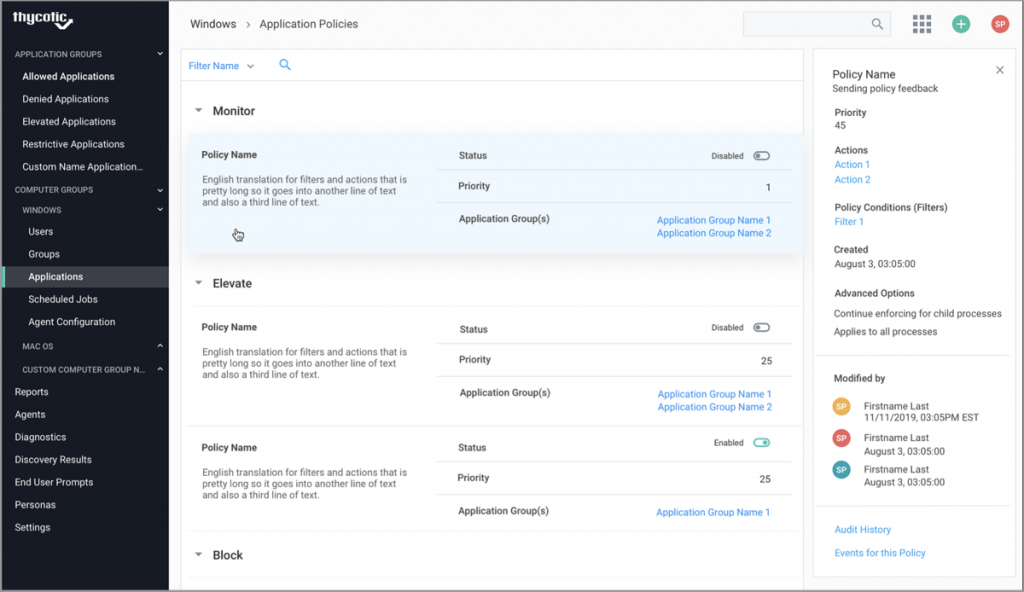
Delinea Privilege Manager (formerly Thycotic Privilege Manager) combines endpoint privilege elevation with application control, aimed at removing standing local administrator rights while still letting approved applications run with the permissions they need. Rather than granting a user broad admin access, Privilege Manager elevates specific applications on a policy basis, so a user can run a trusted tool that requires elevated rights without holding admin privileges more broadly across the endpoint.
The product discovers Windows and Mac accounts and applications across the endpoint estate, then applies application control features including sandboxing, UAC override, child process control, and real-time application analysis on top of the elevation model. It is available as both a cloud-based and on-premises deployment, with the cloud version built to scale across hundreds of thousands of machines, and it integrates with Delinea's own Secret Server and Privileged Behavior Analytics as well as third-party SIEM, ticketing, and identity systems.
Key features include:
Limitations (as reported by users on Gartner Peer Insights):
Source: Delinea
Selecting the right platform requires evaluating how well each solution aligns with your industry-specific compliance standards and technical environment. Prioritize systems that offer robust visibility, scalable policy management, and the flexibility to secure both modern endpoints and legacy assets. A balanced approach ensures strong security without disrupting critical operations, effectively reducing risk while meeting stringent regulatory demands.